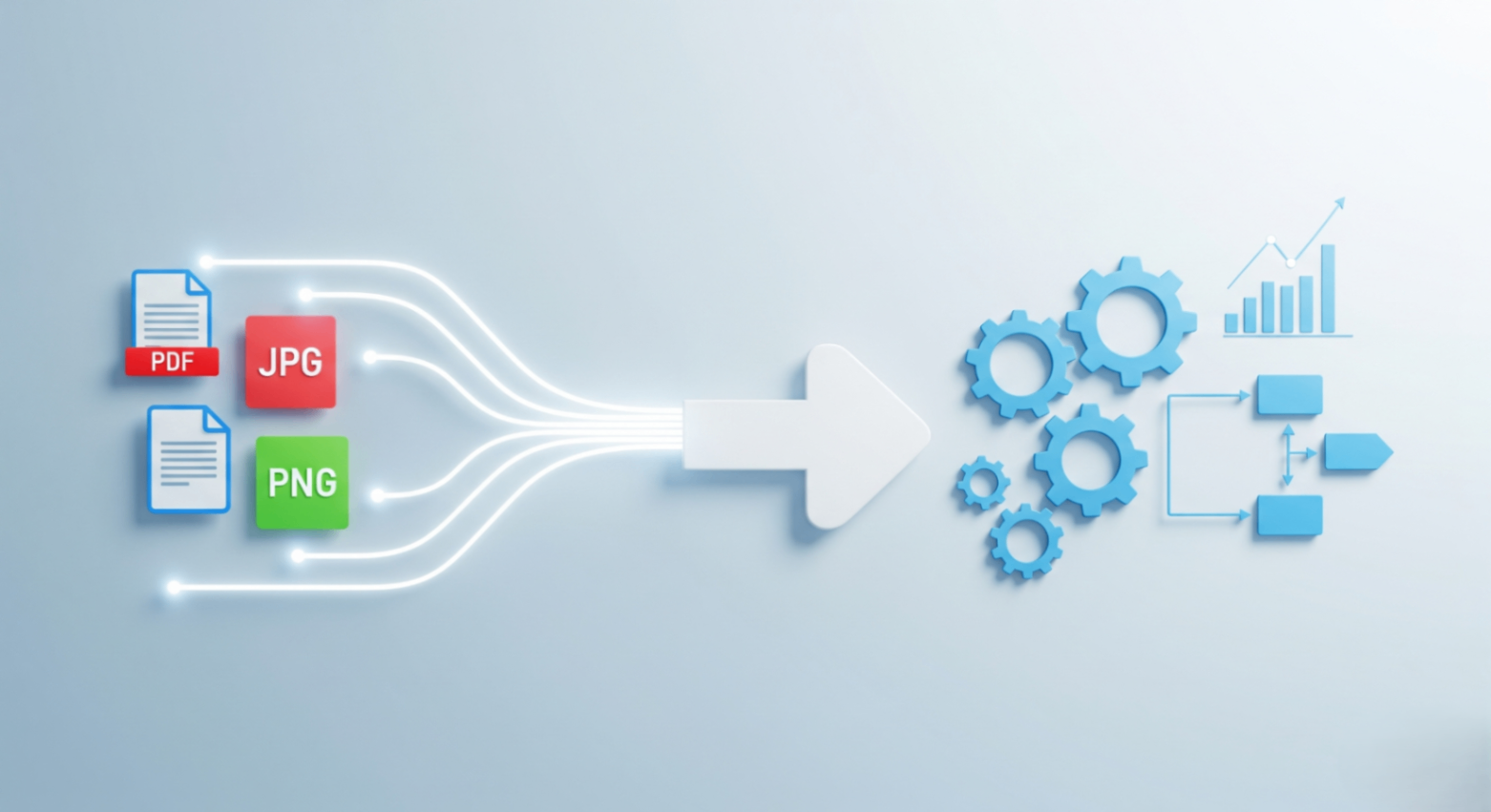
In today's digital world, we're constantly juggling different file types. Whether you're a student, a designer, or a business professional, knowing how to efficiently convert PDFs to images (and vice versa) is a critical skill. This guide will walk you through the best tools and practices for 2025 to make file conversion a seamless part of your workflow.
Why is Smart File Conversion So Important?
Effective conversion tools are more than just a convenience; they are a necessity for productivity. Here’s why:
- Universal Compatibility: Convert files to formats that are easily viewable on any device, without special software.
- Reduced File Size: Optimize images and documents for web use or emailing, saving storage space and bandwidth.
- Improved Workflows: Quickly transform materials for presentations, reports, and social media without wasting time.
- Enhanced Security: Share information in non-editable formats like PDFs to protect your content.
The Best Solution: FlowFix's All-in-One Conversion Suite
Forget downloading clunky software or worrying about your privacy. FlowFix offers a powerful suite of browser-based tools that handle all your conversion needs instantly and securely. Your files are processed on your device, never uploaded to a server.
Here's how simple it is:
- Choose your tool: Select from a wide range of converters like 'PDF to JPG', 'PNG to PDF', 'HEIC to JPG', and more.
- Upload your file: Drag and drop your document or image directly onto the page.
- Convert & Download: The tool processes your file in seconds. Download your new file with a single click.
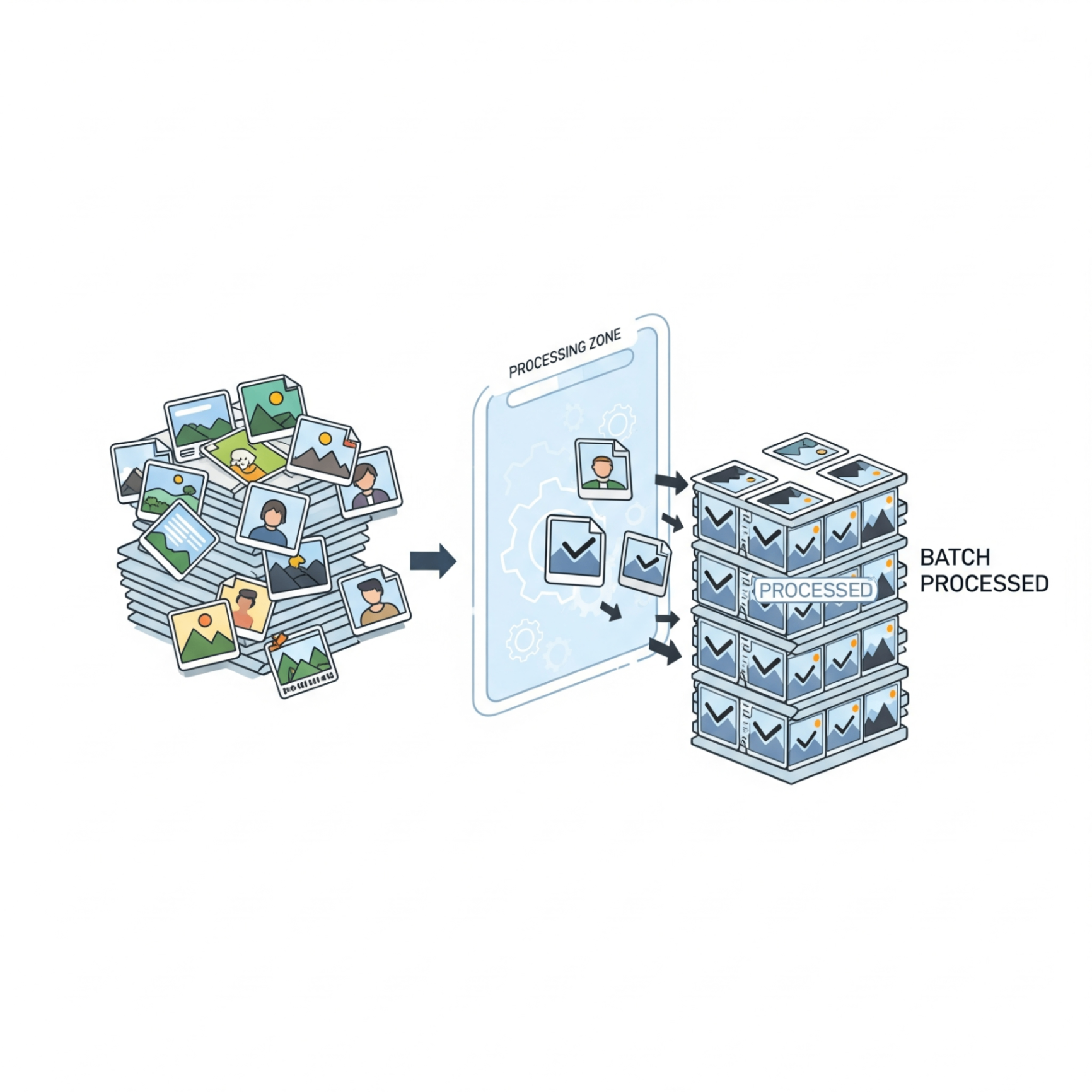
Pro Tip: Use our batch processing tools to convert multiple files at once, saving you even more time and effort.
Conclusion
Having the right conversion tools is key to a productive and streamlined workflow. With a secure, fast, and easy-to-use solution, you can handle any file format that comes your way. Explore the full range of FlowFix conversion tools and take control of your documents today!