
You're away from your desk when an urgent request comes in: "Can you send over that report, but as a single file and under 10MB?" In the past, this would mean rushing back to a computer. Today, you can handle it all from the device in your pocket: your smartphone.
Mobile PDF tools have transformed how we work, offering the freedom to be productive from anywhere. This guide will walk you through the essential tasks you can perform on your phone and the best way to do it without installing bulky apps.
What Can You Do with PDFs on Your Phone?
Modern web-based tools have made it possible to perform nearly any common PDF task right from your mobile browser. Here are the essentials:
Compress PDFs on the Go
Use Case: You need to email a large presentation from the airport. A mobile compressor can shrink the file size to meet attachment limits, even on a slow connection.
Merge Multiple Files
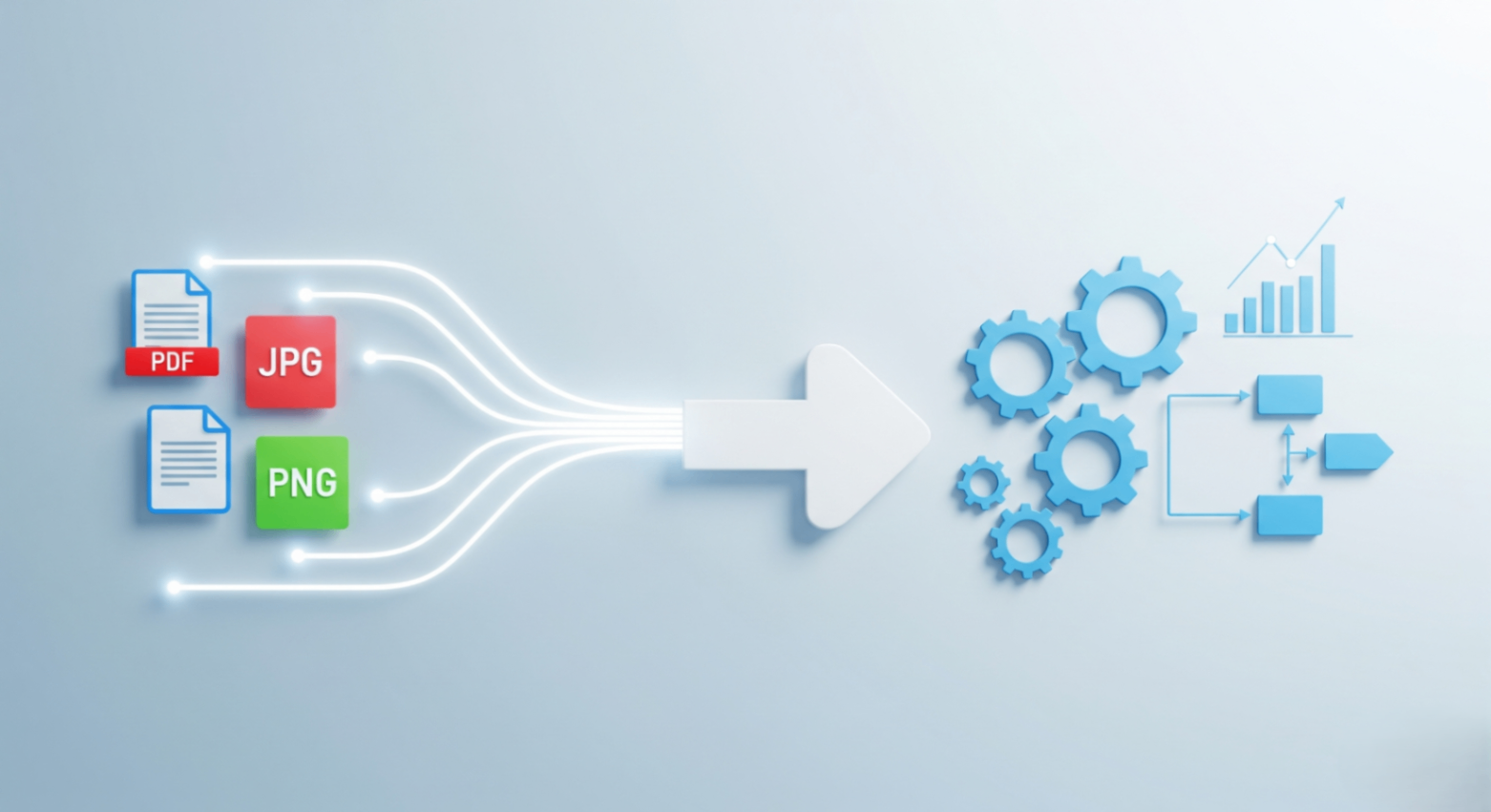
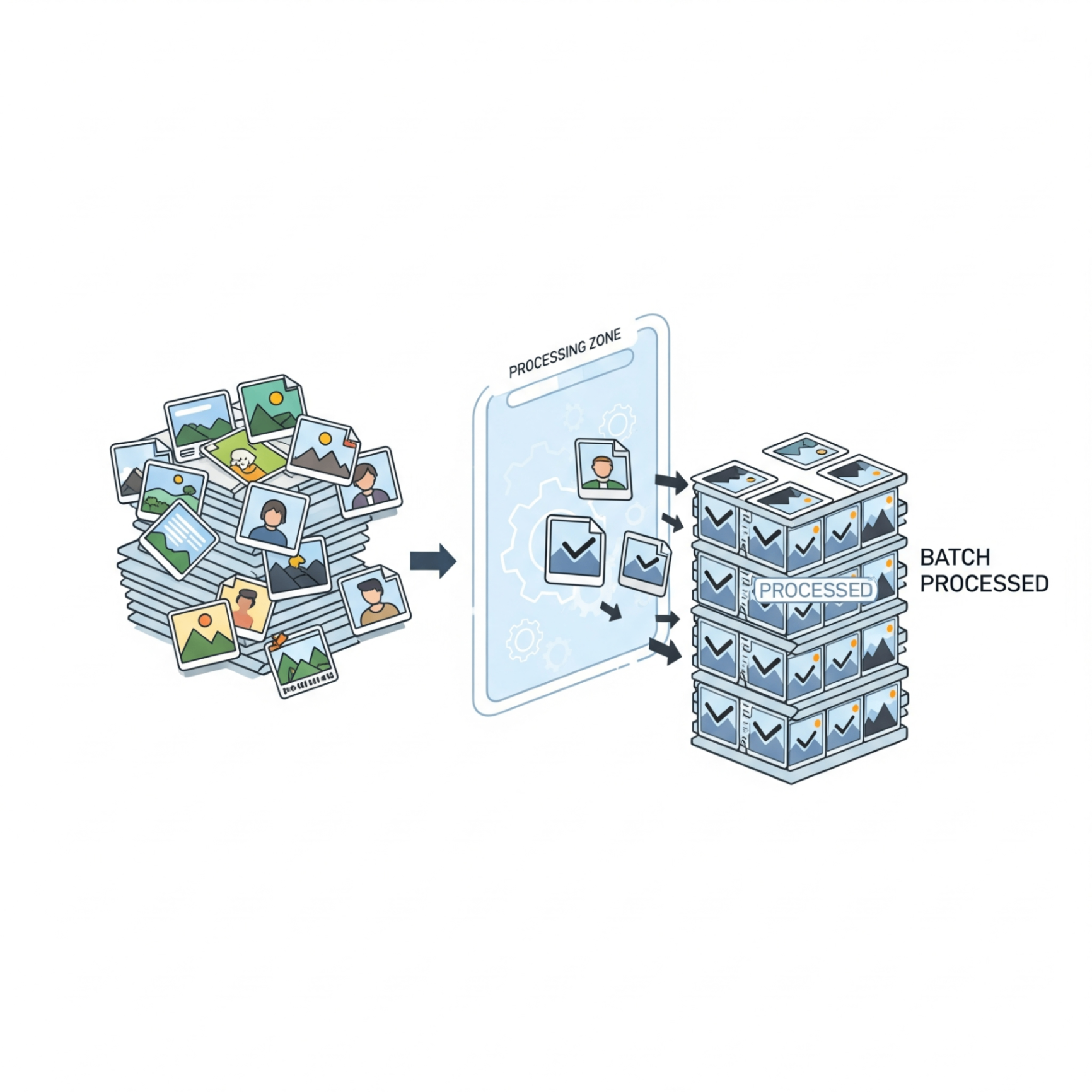
Use Case: You've taken photos of a receipt and an invoice. You can merge these images and a cover page into a single, professional PDF reimbursement claim before you even get back to the office.
Organize and Reorder Pages
Use Case: You're reviewing a draft report on the train and notice two pages are swapped. A mobile organizer lets you drag and drop the pages into the correct order right then and there.
Add Page Numbers
Use Case: You're about to share a document with a client and realize it's missing page numbers. You can quickly add them for a professional touch directly from your phone.
Browser Tools vs. Mobile Apps
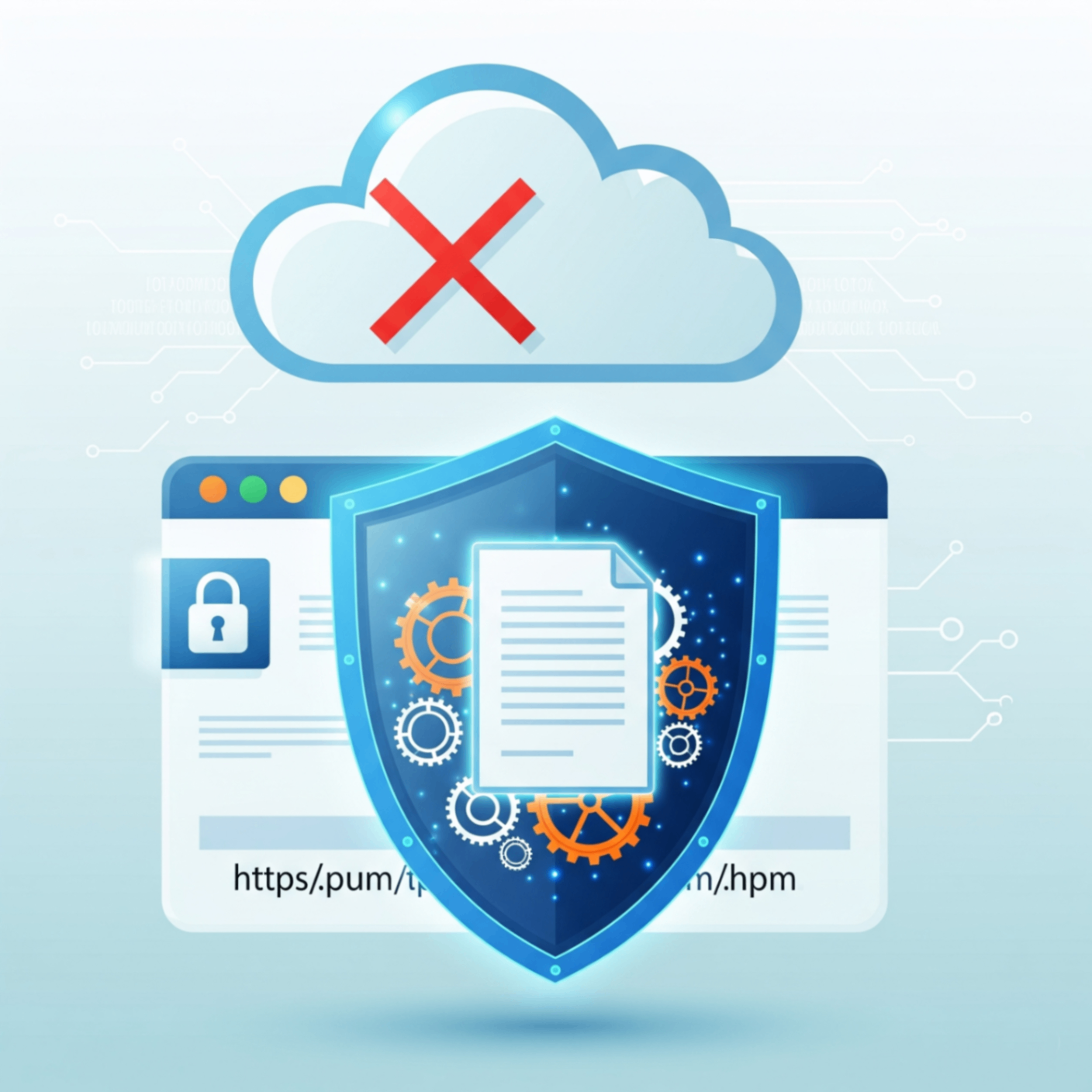
While there are many PDF apps on the App Store and Google Play, using tools directly in your mobile browser has major advantages. They require no installation, saving precious storage space on your phone, and you're always using the most up-to-date, secure version without needing to run updates.
Pro Tip: Add your favorite online tool to your phone's home screen. This creates an icon just like a native app, giving you instant access without the download.
Your Pocket-Sized PDF Toolkit
All FlowFix tools are designed to work flawlessly on any mobile browser. Whether you need to compress, merge, or organize, our privacy first tools run directly on your phone with no app installation required. It's a complete, powerful, and pocket-sized PDF toolkit.
Conclusion
The days of being chained to a desktop for document management are over. With the power of modern based tools, your smartphone is a fully featured office, giving you the flexibility to handle PDF tasks whenever and wherever inspiration strikes.