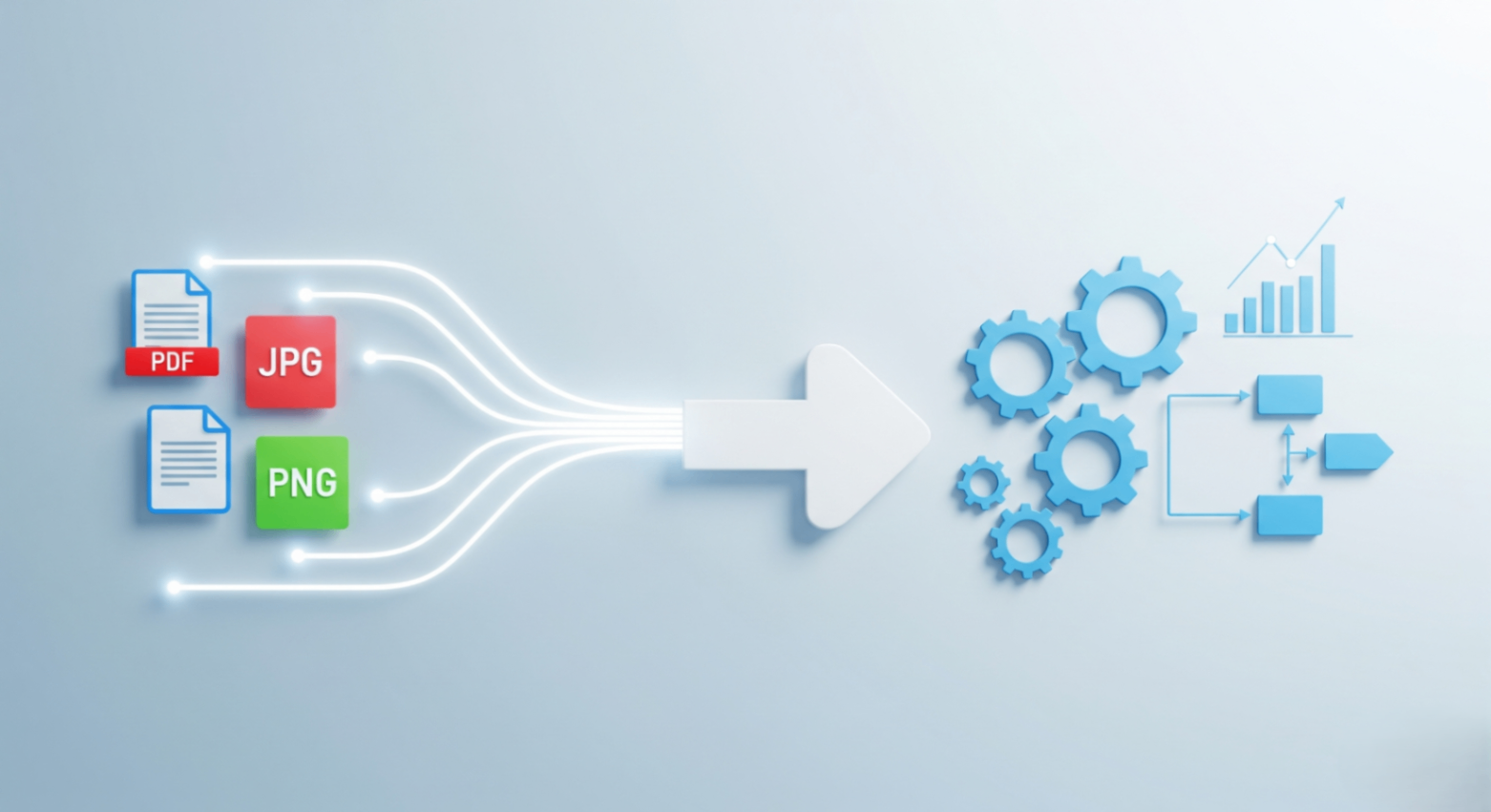
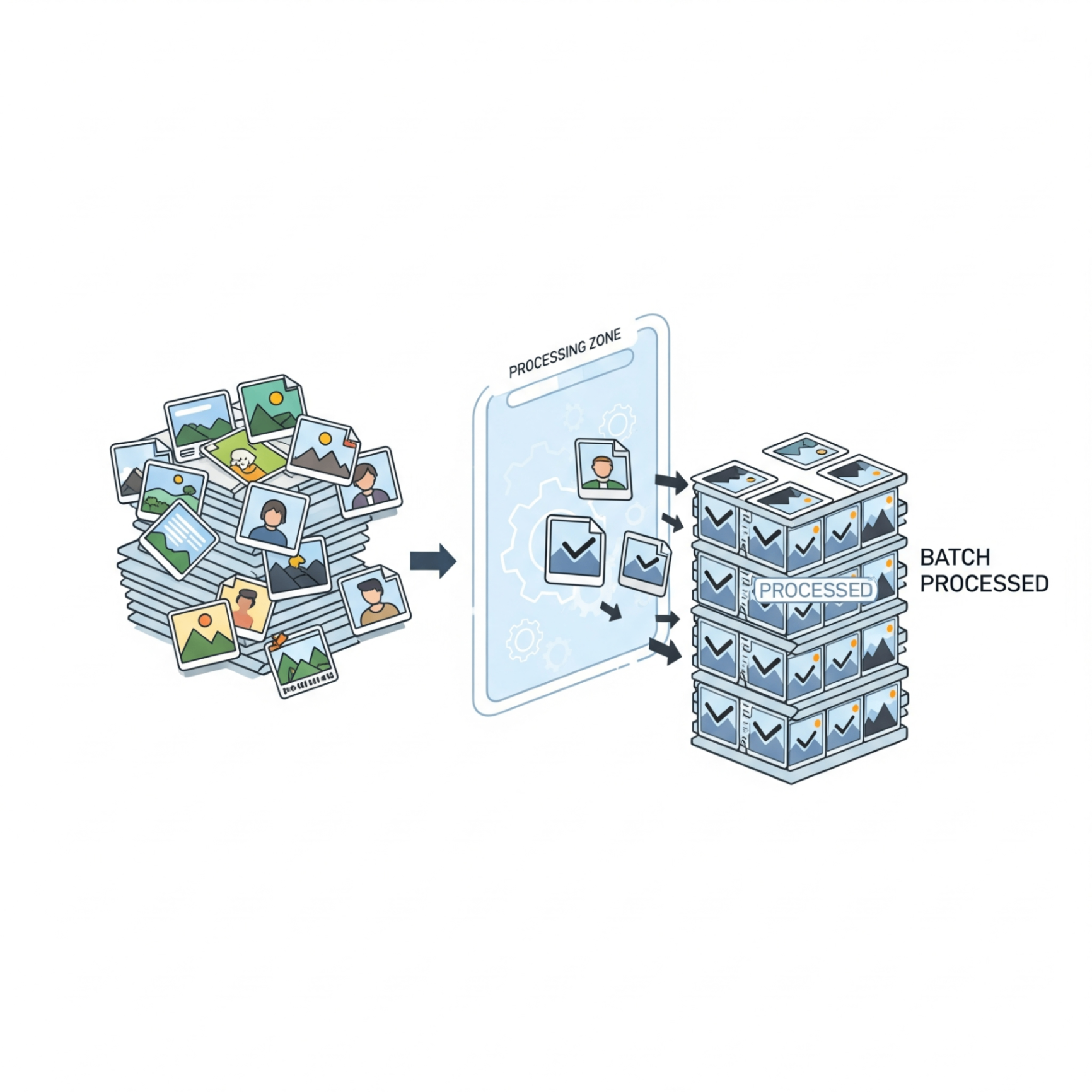
If you've ever had to resize an entire photo album for a website or convert a folder of 50 PNGs to JPGs, you know the pain of repetitive work. Opening, editing, saving, and closing each file individually is tedious and time-consuming. There has to be a better way and there is. It's called batch image processing.
Batch processing is a workflow superpower that lets you apply the same action to a large group of images at once. It’s the secret to saving hours of manual effort and dramatically speeding up your creative process.
Who Needs Batch Processing?
This technique is a game-changer for anyone who works with images regularly:
- E-commerce Owners: Consistently resizing and compressing hundreds of product photos for a web store.
- Photographers: Applying a watermark or resizing an entire event's photos for a client gallery.
- Bloggers & Content Creators: Optimizing a dozen images for a new article in one go.
- Web Developers: Converting all image assets to a next-gen format like WEBP before deploying a website.
Common Batch Processing Tasks
You can batch-apply almost any repetitive edit. The most common and impactful tasks include:
Batch Resizing
Ensure all your images have a consistent width or height, perfect for creating uniform galleries or blog layouts.
Batch Compression
Reduce the file size of an entire folder of images simultaneously to improve your website's loading speed.
Batch Conversion
Instantly change the file format of multiple images, like converting a folder of HEIC photos from your iPhone to universally compatible JPGs.
The Mindset Shift: Start thinking "Can I do this to all my files at once?" It's the key to unlocking a more efficient workflow.
Stop Editing One by One. Start Processing Efficiently.
FlowFix's suite of image tools is designed for speed and efficiency. While we're working on dedicated batch upload features, you can already speed up your workflow today by using our fast, in-browser Image Resizer, Image Compressor, and Image Converter for your individual files.
Conclusion
Batch processing isn't just for professional photographers with expensive software. It's an accessible strategy for anyone looking to work smarter, not harder. By incorporating this approach into your workflow, you can save valuable time and dedicate your energy to what truly matters: creating great content.