
Why Merge PDF Files?
In today's digital workflow, handling multiple PDF files can be a hassle. Whether you are a student compiling assignments, a professional organizing reports, or just looking to declutter your digital filing system, merging PDFs is a life-saving skill.
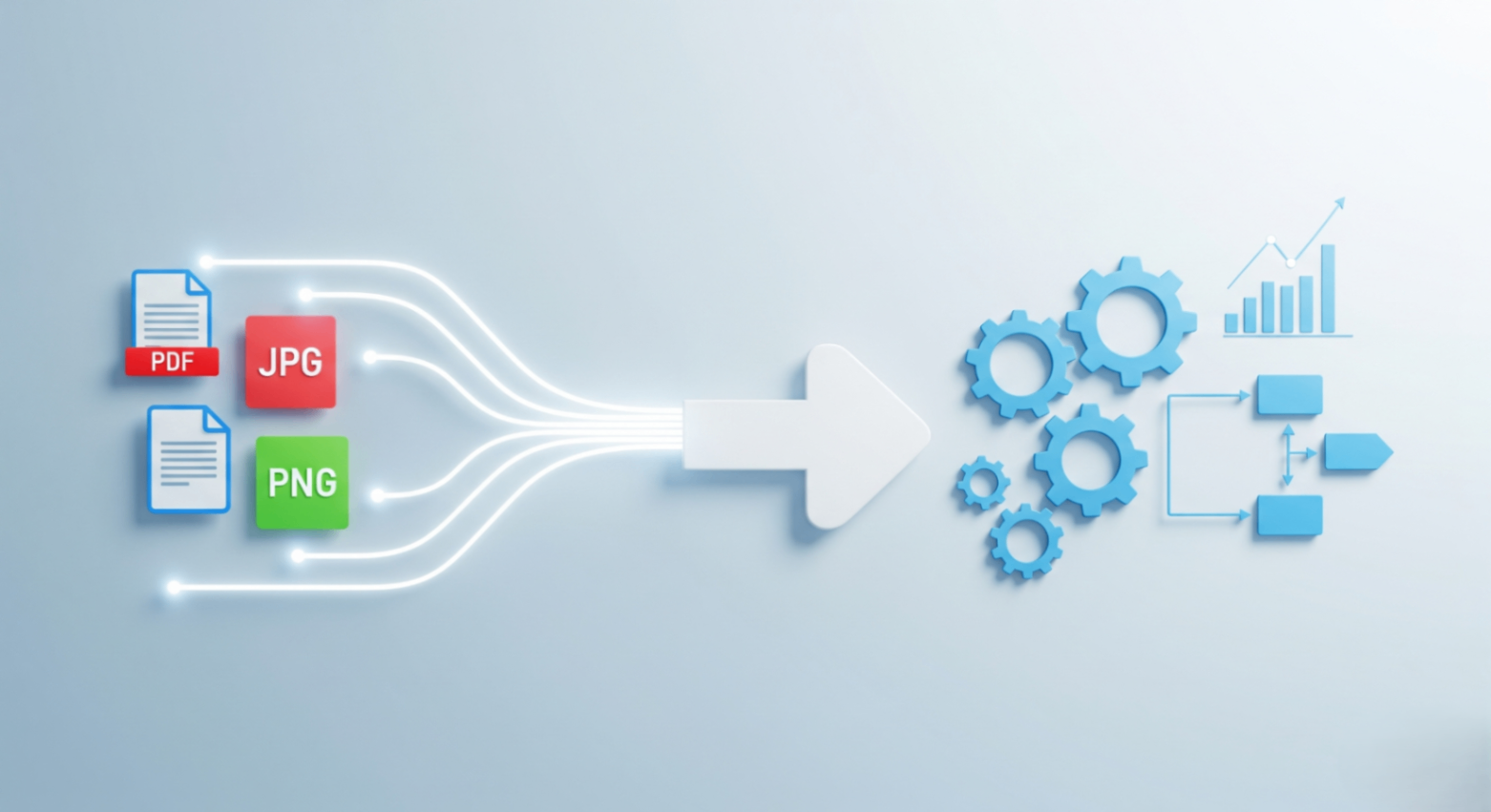
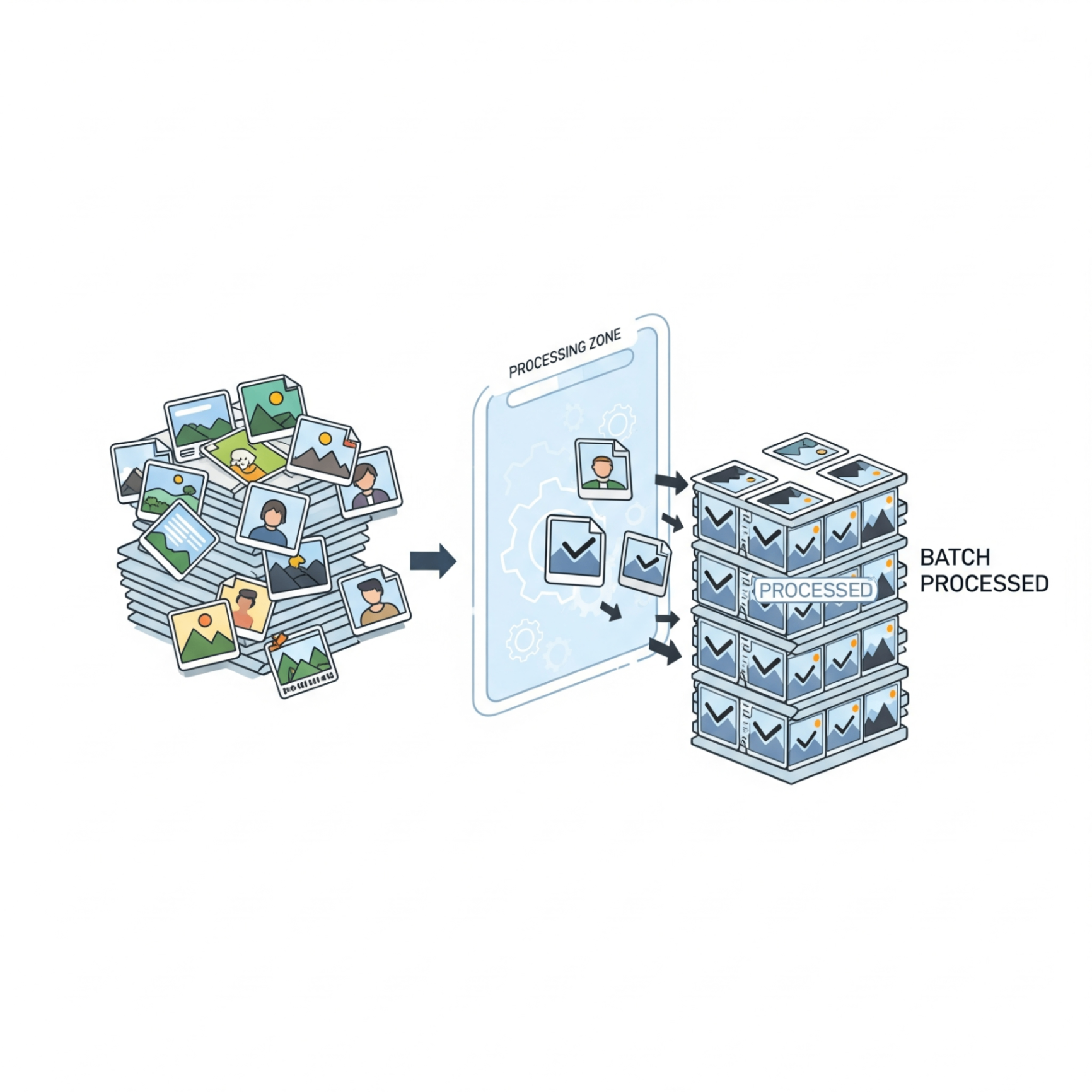
Combining multiple documents into a single PDF ensures that your files stay organized, are easier to share via email, and easier to print. Instead of sending five separate attachments, you can send one professional-looking document.
The Benefits of Using an Online PDF Merger
- Convenience: No need to download bulky software like Adobe Acrobat.
- Speed: Merge documents in seconds directly from your browser.
- Cross-Platform: Works on Windows, Mac, Linux, and even mobile devices.
- Cost-Effective: Most online tools, like FlowFix, offer this service completely for free.
How to Merge PDFs with FlowFix
Merging files on our platform is incredibly simple. Follow these three steps:
- Upload Your Files: Click the "Select Files" button to upload the PDF documents you want to combine. You can also drag and drop them directly into the tool.
- Arrange: Once uploaded, you can drag and drop the file thumbnails to rearrange them in the exact order you want them to appear in the final document.
- Merge & Download: Click the "Merge PDF" button. In just a moment, your new, single PDF file will be ready for download.
"Organisation isn't about perfection; it's about efficiency, reducing stress and clutter, saving time and money, and improving your overall quality of life."
Is it Secure?
Security is our top priority. When you use FlowFix, your files are processed securely. We automatically delete all uploaded files from our servers after one hour to ensure your privacy. No one else has access to your documents.
Conclusion
Merging PDFs doesn't have to be complicated. With the right tools, you can streamline your document management process and boost your productivity. Try merging your first file today!